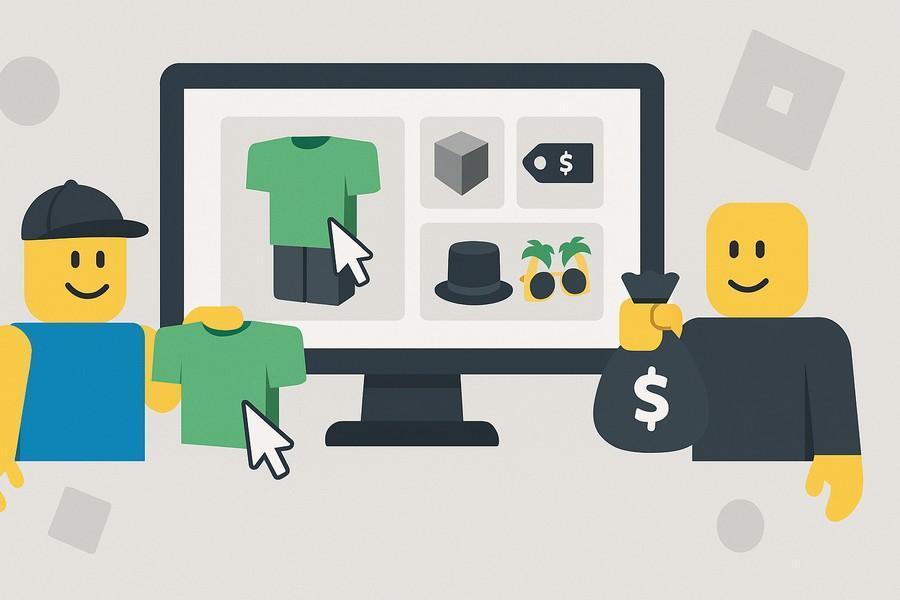
Roblox Marketplace is a key part of the Roblox economy as it allows players to buy/sell items using Robux. It is a system that connects developers & players across Roblox. But new Roblox users often feel confused when navigating the marketplace.
But you don't have to worry as we will explain what the Roblox marketplace is and how to buy & sell items on it. Understanding these things will help you learn everything about the Roblox marketplace & how to use it.
What Is the Roblox Marketplace?
The Marketplace is an official platform feature of Roblox. This allows the players to buy and sell virtual items using Robux.
You can think of the marketplace as the place for avatar customization, special items and any other game related purchases. So, it won't be wrong to say that Marketplace is a core part of Roblox's in-game economy.
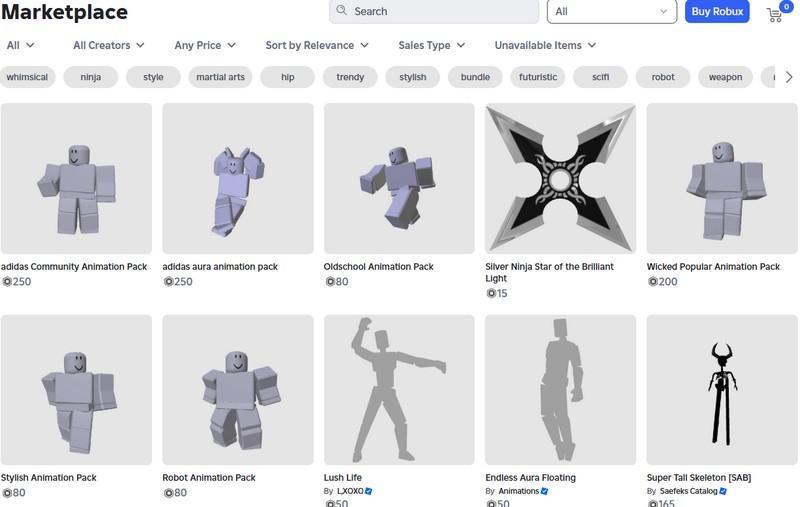
The players can find all types of items on the marketplace… This includes the items created by the Roblox community devs and creators. All of the items are listed publicly which means anyone with enough Robux can buy them.
The trading feature of Roblox usually involves exchanging items between players. Meanwhile, the Marketplace transactions are based on fixed listings and prices.
The Marketplace is accessible via the Roblox website and the supported apps. And the items you buy from there are added directly to your Roblox account's inventory. You can also buy Roblox accounts from u7buy.com, as they come with a lot of limited items & other cool stuff.
Also, some of the items you buy from the marketplace can be resold, but most of them are strictly for personal use.
Types of Items Available on the Roblox Marketplace
A player can find all sorts of items on the Roblox Marketplace, and they can be bought using Robux. These Roblox items fall into different categories & each one has a different purpose (cosmetic/gameplay) in the experiences.
The most common types of items are avatar clothing & accessories on Roblox. This includes all the usual stuff like shirts, hats, faces, clothing, & all the other accessories for avatar customization.
The marketplace also has body items, animations, and bundles. The bundles contain full avatar sets & character styles. Meanwhile, the Roblox animations affect how your avatar moves in the games. The body items are also purely cosmetic and affect how your character looks in the game.
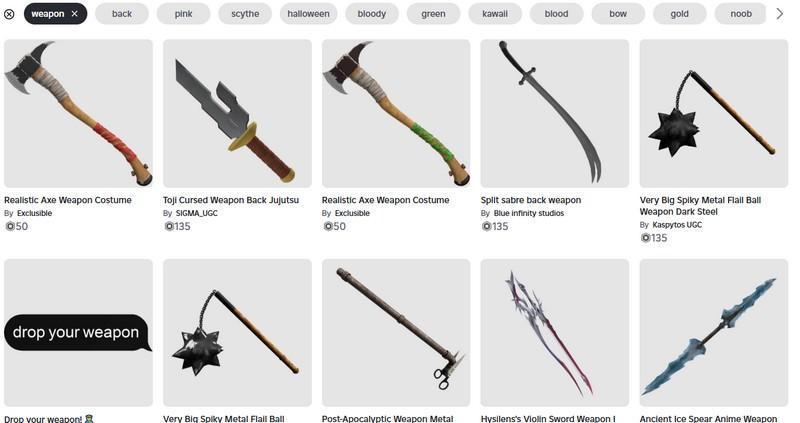
Another major category on the Marketplace is game passes and developer products. The game pass unlock features within specific games, while the developer products include consumable items & boosts.
Some of the items on the Roblox Marketplace are limited which means they have a fixed supply. In some cases, such items can be resold by eligible players on the platform. Meanwhile, non-limited items cannot be resold & can be purchased directly via the marketplace.
How to Buy Items from the Roblox Marketplace
Buying an item on the marketplace is a very straightforward process, provided that you have the required Robux amount. You can follow these steps to buy Roblox items from the marketplace:
1. Open Marketplace
Open the Marketplace from the app or the Roblox website. You can now browse through the categories (accessories, clothing, or game pass). If you already know the specific name of the Roblox item, then use the search bar.
2. Preview Item
After finding an item, the next step is to preview it… For avatar items, you can use the preview feature to get an idea of how it would look on your avatar & whether it is compatible.
You should also read the item description as it includes important details like compatibility, restrictions, & so on.
3. Buy Item
You can click the buy button when you are ready to complete the purchase on the Roblox marketplace. It is worth noting that all the purchases are final on Roblox Marketplace & you will not get refund (Robux) for the item.
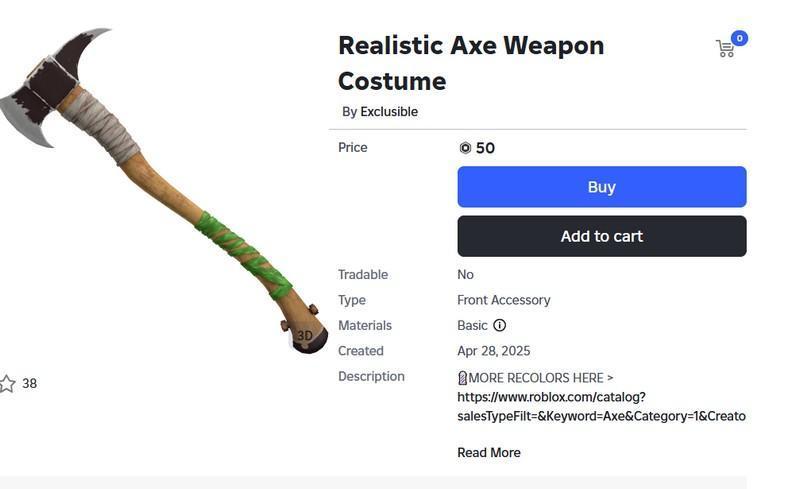
After buying an item, it will be added to your inventory automatically & you can equip it right away.
How Selling Works on the Roblox Marketplace
You can also list items on the marketplace that others can buy using Robux… But it is worth noting that not all items are eligible for resale on the Roblox marketplace.
There are two types of Roblox items being sold on the marketplace… The devs & creators can sell items they have made, such as clothing or any other approved assets. The premium members can also resell limited items, provided that they are marked as resellable & tradable.
And once an item is sold, Roblox will take a transaction fee (Robux) from it. So, you will not get 100% of the sale price in Robux!
In general, most of the items you buy from the Marketplace cannot be resold at all. This includes the developer products, game pass, and non-limited avatar items on Roblox.
So, if your primary goal is to buy & resell items at a higher price, then always check if it supports resale on the Roblox marketplace.