
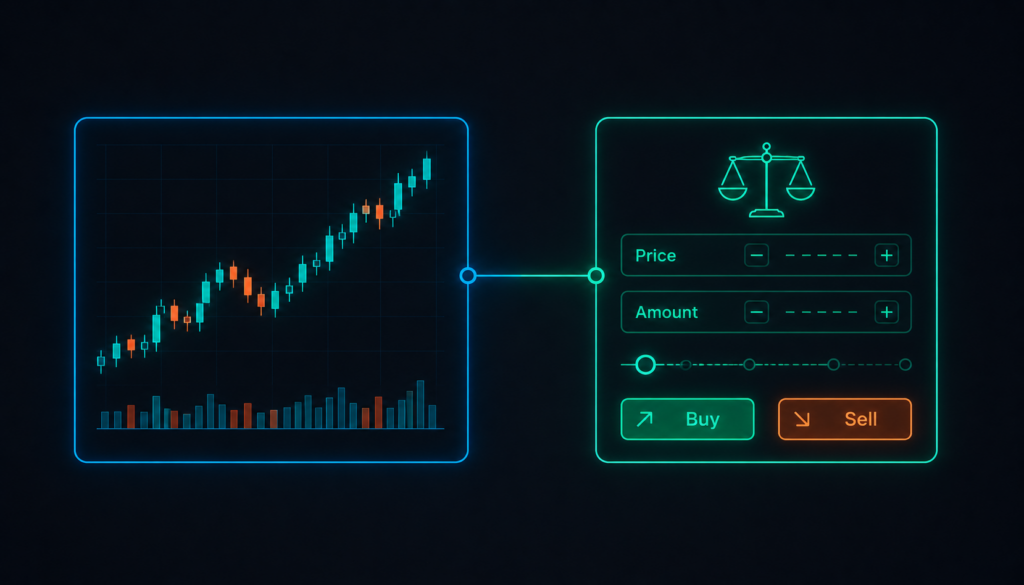
A trading platform is the software you actually use to place trades, read charts and manage open positions, and it’s easy to underestimate how much it affects your experience until you’re stuck with one that doesn’t fit how you think. Before choosing a trading platform, it helps to understand what the main types actually offer, because “platform” covers a wider range of tools than most beginners expect.
The main types of trading platforms
Most brokers offer access to one or more of the following:
- MetaTrader 4, an older but still widely used platform known for its simplicity and large library of third-party indicators
- MetaTrader 5, a newer version with more order types, additional asset classes and improved backtesting tools
- TradingView, known for strong charting and a social layer where traders share analysis, connectable to a broker for direct execution
- Proprietary web and mobile platforms, built by the broker itself, sometimes bundling broker-specific features directly into the interface
None of these is universally “better.” The right choice depends on what you’re trading, how you like to analyse charts, and whether you want to trade from a desktop, browser or phone.
What actually matters when comparing platforms
It’s tempting to judge a platform on looks, but a few less visible factors matter more day to day:
A simple comparison
|
Platform |
Strongest for |
|
MetaTrader 4 |
Simplicity and a wide range of third-party tools |
|
MetaTrader 5 |
More instruments and advanced order types |
|
TradingView |
Charting quality and social analysis sharing |
|
Proprietary platforms |
Broker-specific risk tools built directly into the interface |
ЕasyMarkets offers MT4, MT5, TradingView integration and its own proprietary web and mobile platform, along with tools like a guaranteed stop-loss and a short price-freeze feature that locks in a quoted price before you confirm a trade.
Don’t skip the regulation check
Whatever platform you’re drawn to, it’s only as trustworthy as the broker behind it. Confirm the broker is licensed by a recognised regulator, understand where your funds would sit if the broker ran into financial trouble, and check whether negative balance protection applies to your account type before depositing anything.
FAQs
Can I use TradingView without a linked broker account? Yes, for charting and analysis. You’ll need to connect a broker account to actually place trades from within TradingView.
Is MetaTrader 5 better than MetaTrader 4? It’s generally more capable, with more order types and asset classes, but MT4 remains popular for its simplicity and the sheer volume of custom indicators built for it over the years.
Do proprietary platforms cost extra to use? Usually not directly. The cost is built into the broker’s spread or commission structure rather than charged as a separate platform fee.
Can I switch platforms after opening an account? Most brokers offering multiple platforms let you switch freely, since they’re all connected to the same underlying trading account.
What’s the safest way to test a platform before committing real money? A demo account, funded with simulated money, is the standard way to get familiar with a platform’s order types and interface before risking anything real.
The bottom line
The platform you trade on shapes your day-to-day experience as much as the broker behind it, so it’s worth testing a few options through demo accounts before settling on one. Prioritise execution reliability and the risk management tools actually available over visual polish, and always confirm the broker’s regulatory status before funding a live account.